Your journey, day by day
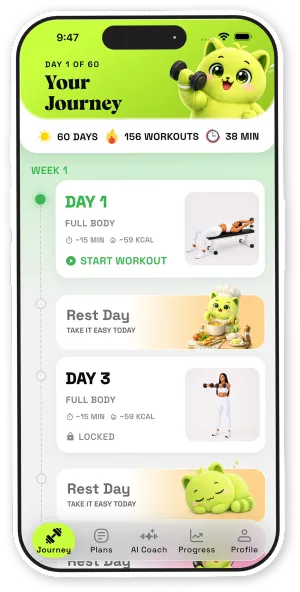
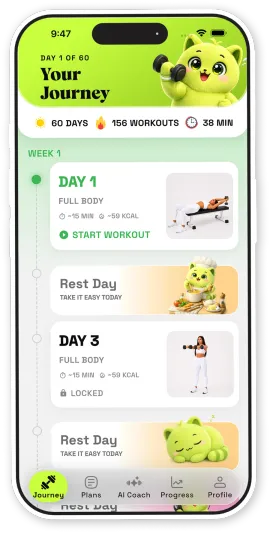
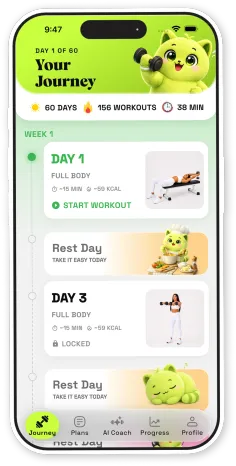
A clear path through each challenge, with workouts and rest days laid out week by week — so you always know what’s next.


Dumbly turns workout challenges into a clear, day-by-day journey — with guided sets, built-in rest days and a cheerful mascot along for every rep.
Screenshots
Features
A clear path through each challenge, with workouts and rest days laid out week by week — so you always know what’s next.
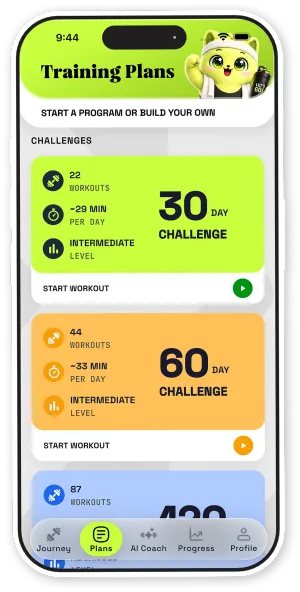
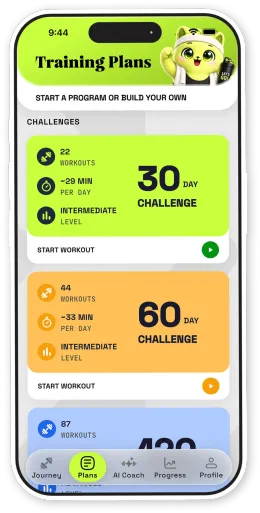
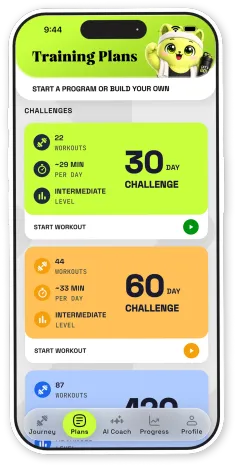
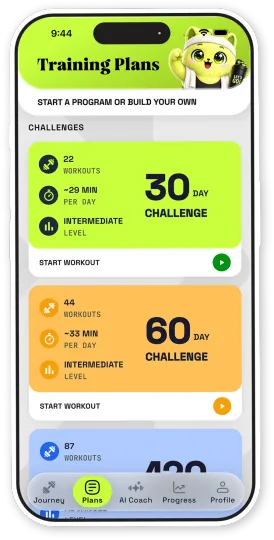
Pick a 30- or 60-day challenge with its pace and level up front, or build a program of your own.
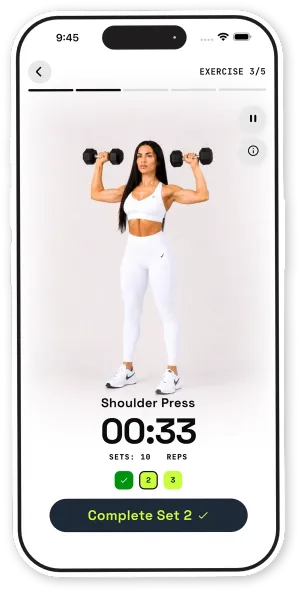
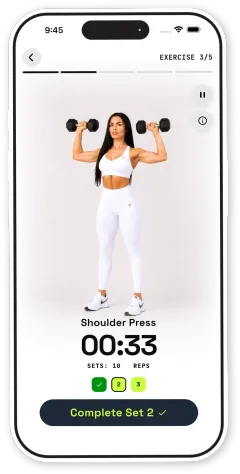
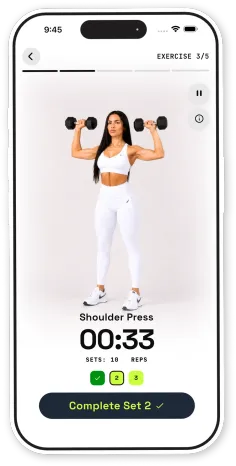
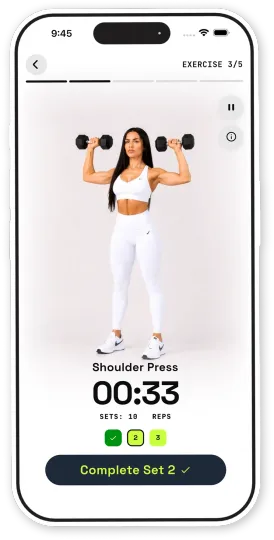
Exercise demos, a timer and a simple set tracker keep each workout moving.
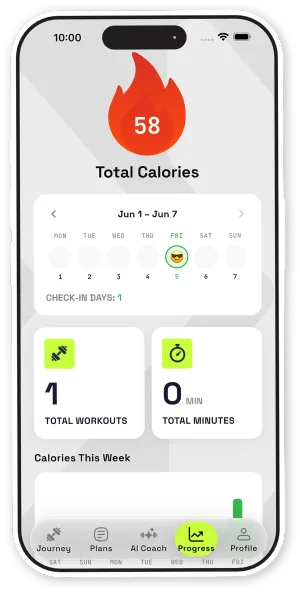
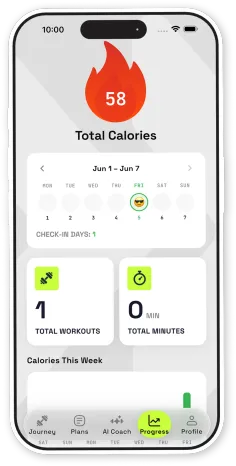
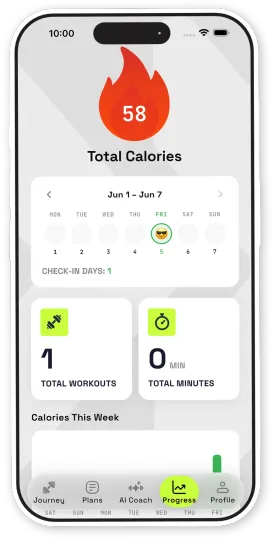
Check-in days, total workouts and minutes, and calories for the week — all on one screen.
Gallery
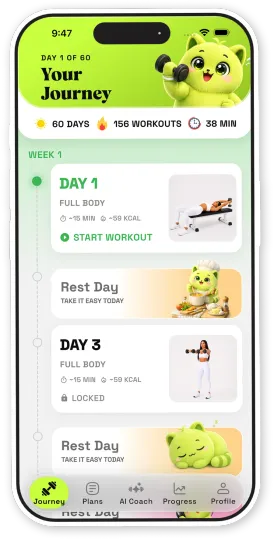
01 / 04 · Your journey
FAQ
Our support team can help with your account, workouts and anything else.
Contact support Dumblyby Pixeldea